
Are you looking for a good way to have a few operating systems, handle virtual machines, or set up a home cloud without complicating matters? 💻
If yes, you are in right place!
VMware has long been one of the most well-known brands with regard to virtualization and has been used by students and individuals alike. 👩🏻💻
It goes from simple lab configurations to enterprise cloud solutions, offering performance, security, and flexibility under a single umbrella. ☁️
It assists in the development of virtual machines using vSphere, storage management using vSAN, networking using NSX, cloud management operations using vRealize Suite, and security management using Workspace ONE. This ensures it provides a full range of assistance in a virtual ecosystem to a modern-day business.
In this VMware Review, we will offer you a detailed exploration of its features and services to enable you to determine whether it is what you are looking for. As an IT consultant with extensive knowledge of VMware, I can review its components to give you an accurate assessment.
VMware at a Glance
- Leading virtualization and cloud computing platform trusted by businesses worldwide.
- Offers powerful tools for managing virtual machines, storage, networking, and security.
- Features like vSphere, vSAN, vMotion, and NSX enable seamless, high-performance environments.
- Scalable solutions suitable for small teams to large enterprise data centers.
- Helps optimize IT operations, improve uptime, and ensure secure, reliable infrastructure.
What Is VMware? ✅
VMware is a software that enables the creation, execution, and administration of multiple virtual machines on one machine.
Rather than having to have separate hardware for operating systems, VMware allows all of them to be run efficiently from one computer.
It allows the organization to cut the cost of purchasing hardware, conserve energy, and make the management of information technology more efficient.
With VMware, organizations can build virtualized environments for servers, desktops, storage, or networking. Organizations have the ability to run several operating systems or applications on a single machine without affecting each other because they run in different virtual machines.
Additionally, VMware has sophisticated cloud capabilities that allow companies to migrate their workloads to either public, private, or hybrid clouds. This helps companies quickly scale and manage their operations as well as IT costs.
Furthermore, VMware offers business-class security and management solutions. Organizations can manage and control virtual machines, automate tasks, and protect data better. This is quite beneficial for large-scale organizations that have complex IT systems.
In short, VMware assists companies in minimizing expenses, enhancing efficiency, facilitating scalability, and making smarter decisions about IT resources. In fact, VMware is broadly adopted by corporations, IT departments, and cloud service suppliers today.
#10 Key Features of VMware ⭐
1. Virtualization
VMware lets you run multiple virtual machines (VMs) on a single physical server. Each VM behaves like a separate computer with its own operating system and applications.

This helps businesses maximize hardware use, reduce costs, and simplify IT management.
2. Cloud Management
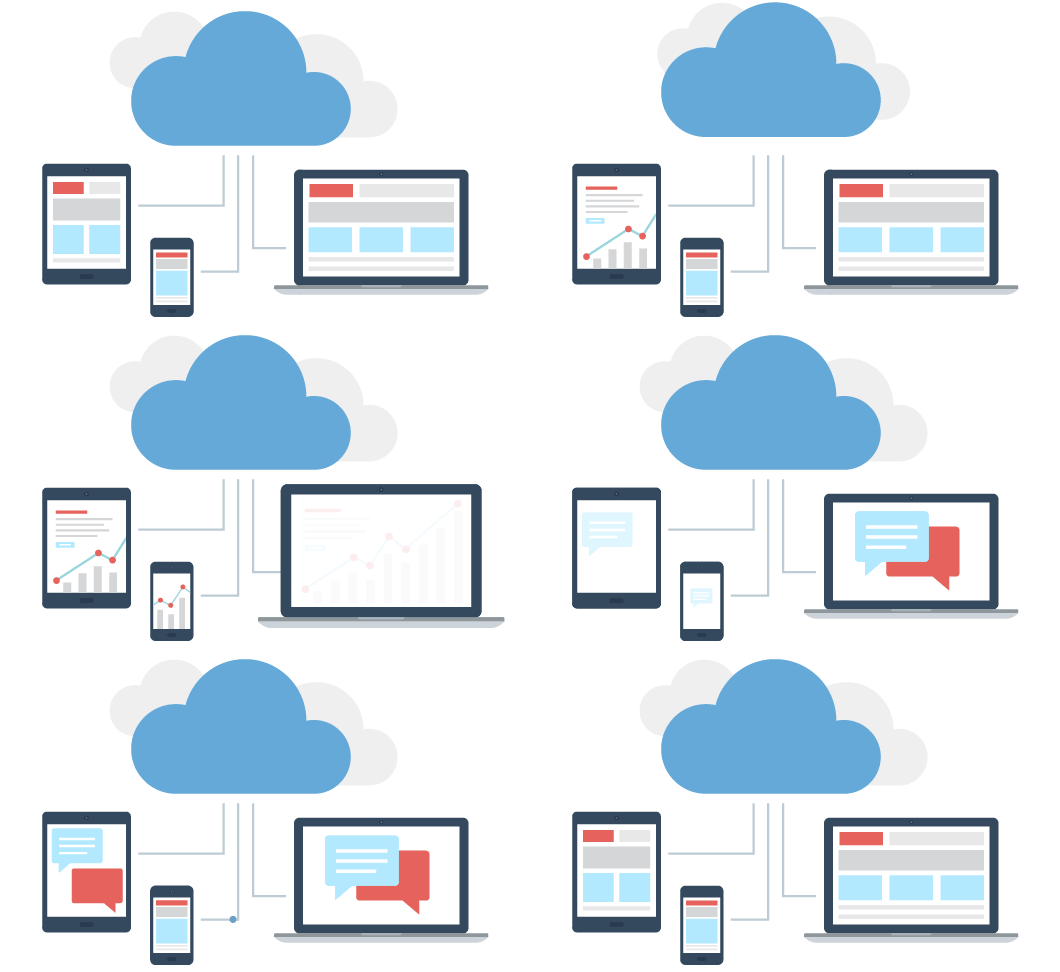
VMware offers tools to manage private, public, and hybrid cloud environments.

You can allocate resources dynamically, monitor workloads, and scale infrastructure efficiently without affecting performance. This makes cloud adoption smoother for businesses of all sizes.
3. High Availability
VMware’s high availability feature ensures that your systems stay online even if hardware fails.
It automatically moves workloads from failing servers to healthy ones, reducing downtime and keeping critical applications running smoothly.
4. vMotion
vMotion is VMware’s live migration feature that lets you move a running virtual machine (VM) from one physical server to another without any downtime.
This means your applications keep running smoothly while maintenance, upgrades, or load balancing happen in the background.
5. Storage and Network Virtualization
VMware abstracts storage and networking resources from physical hardware, allowing you to create flexible, scalable, and efficient virtual networks and storage pools.
This reduces hardware dependency, lowers costs, and improves overall system performance.
6. Security
VMware includes built-in security features like micro-segmentation, encrypted VMs, and role-based access controls.

These protect sensitive data, prevent unauthorized access, and isolate workloads to minimize risks in multi-tenant environments.
7. Disaster Recovery
VMware provides disaster recovery solutions that replicate virtual machines to secondary sites or the cloud.
This ensures businesses can quickly recover data and applications after hardware failures, cyberattacks, or natural disasters.
8. Automation and Orchestration
VMware automates routine IT tasks, such as provisioning servers, deploying applications, and balancing workloads.
Using VMware vRealize Suite, businesses can save time, reduce errors, and streamline their IT operations.
9. Multi-Platform Support
VMware supports a wide variety of operating systems including Windows, Linux, and macOS, as well as different applications.

This makes it ideal for businesses with diverse IT environments and mixed software requirements.
10. Performance Monitoring
VMware provides tools to monitor the performance of virtual machines, storage, and network resources.
Admins can identify bottlenecks, optimize system performance, and ensure applications run efficiently without downtime.
How to Access VMware? (Step-by-Step) 📝
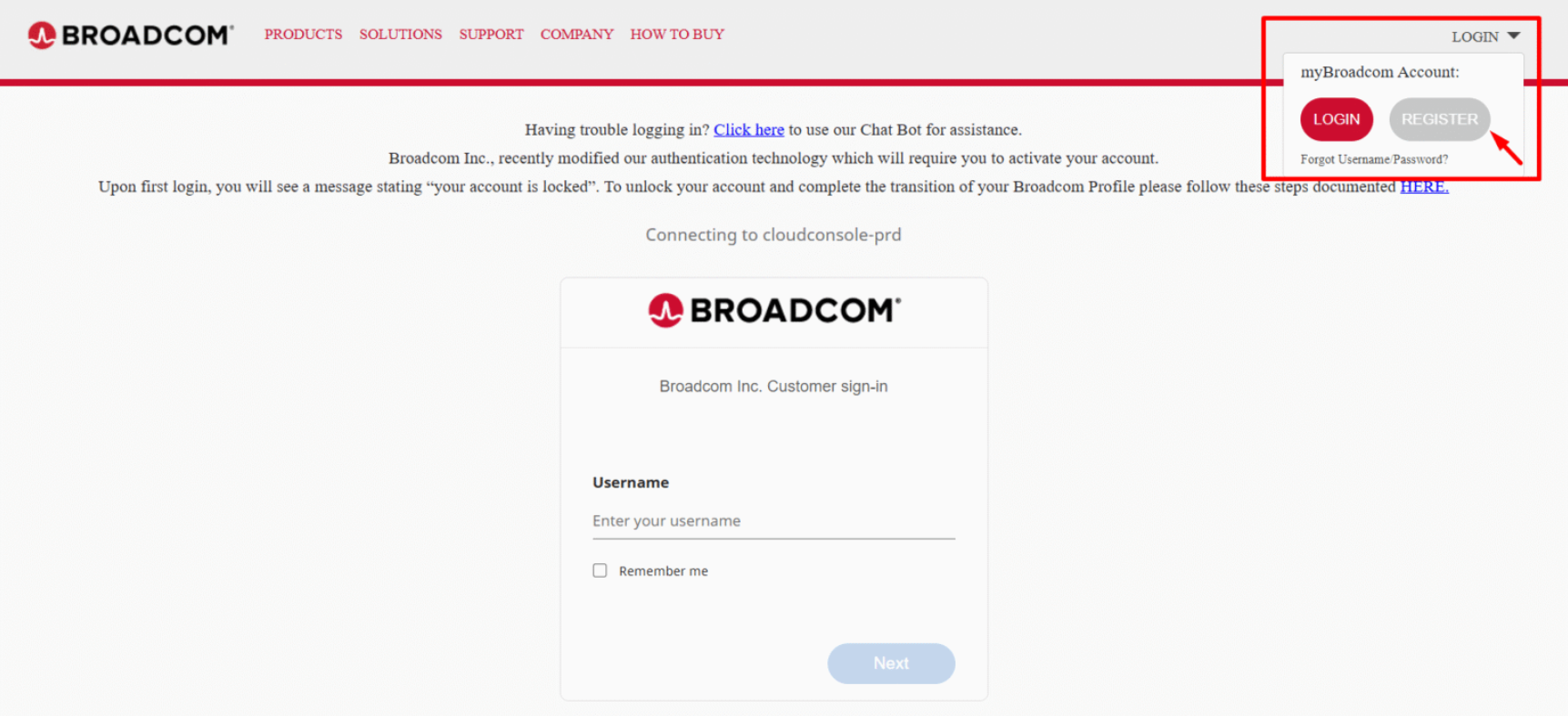
Step 1: Go to the official website of VMware and click on “LogIn”. Inside LogIn menu click on “Cloud Services Console”.

Step 2: You will be redirected to the Broadcom website page. Click on “Register”.
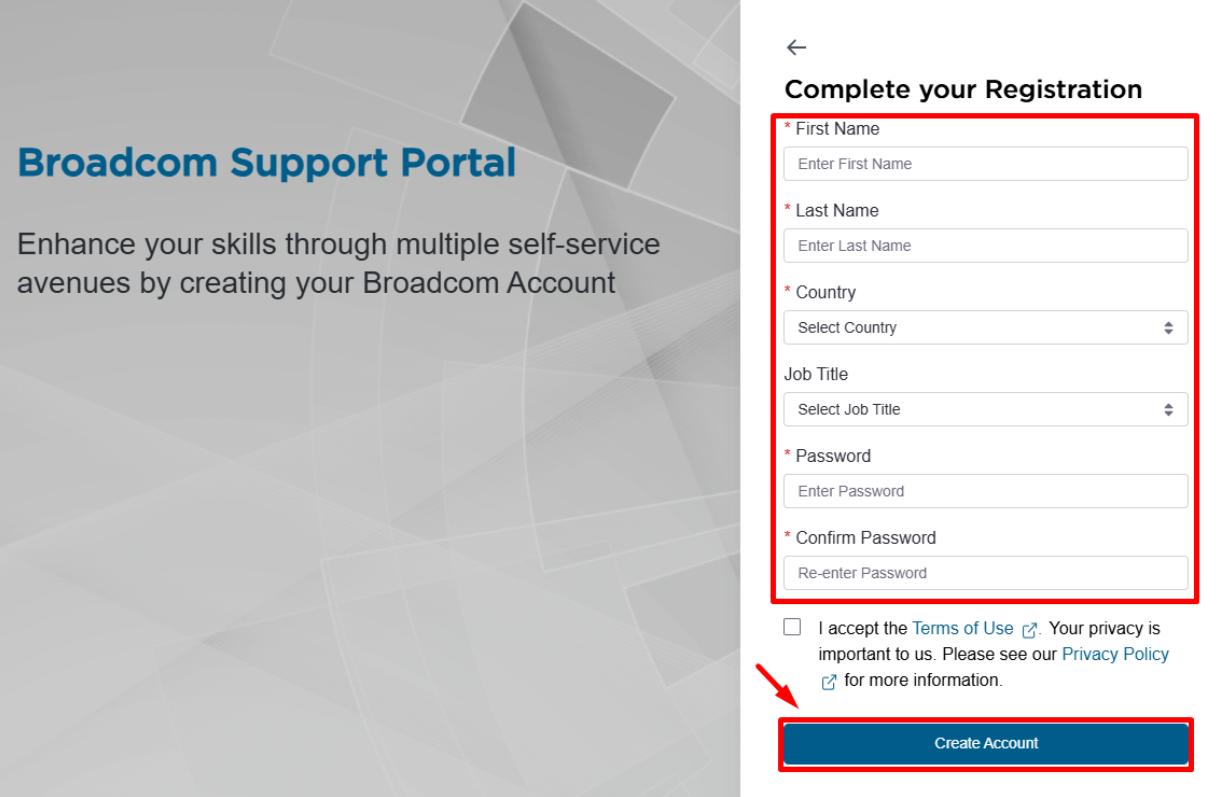
Step 3: Create your account and complete your registration.
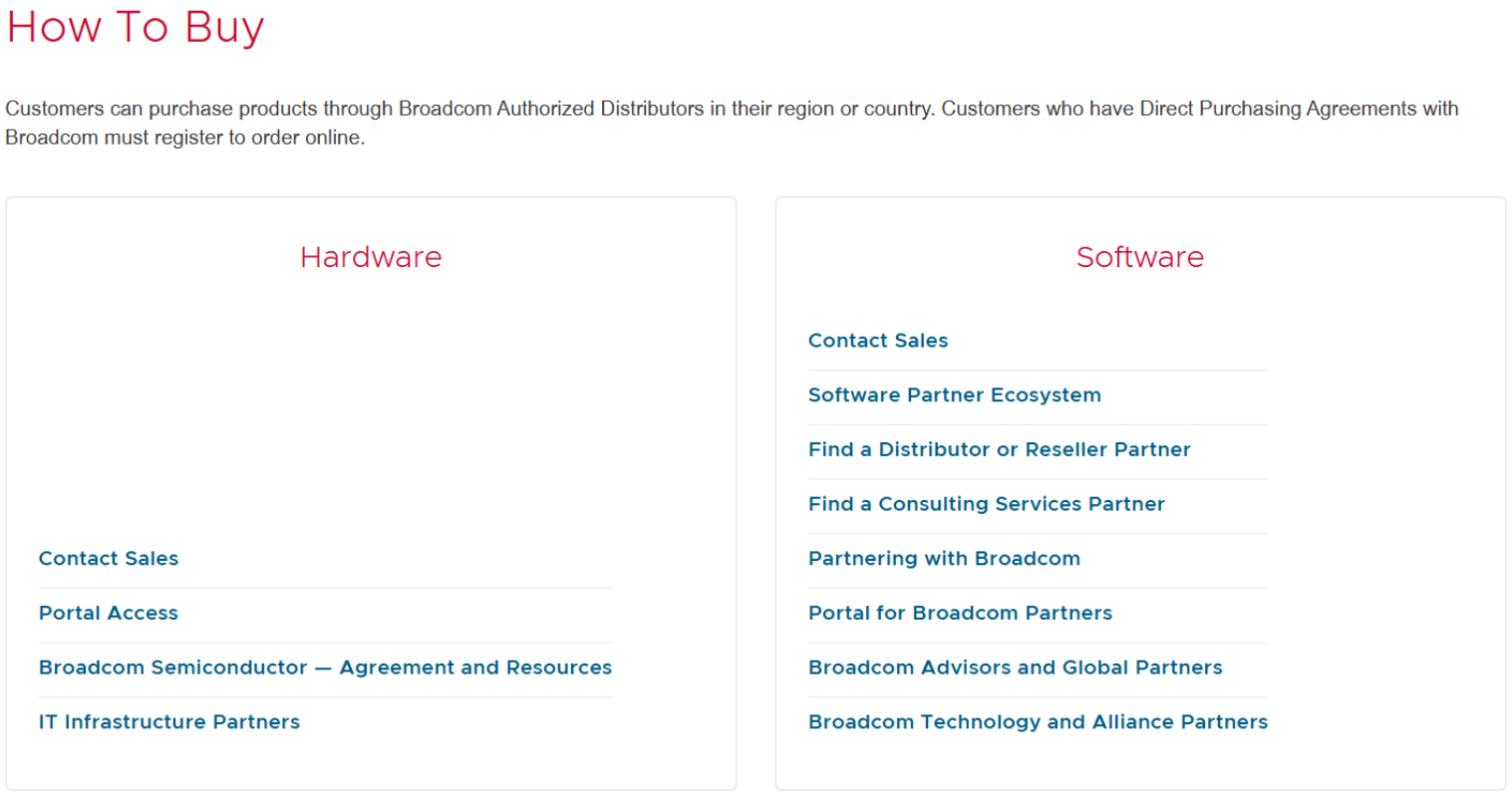
Step 4: Select which type of service you want to buy – software or hardware.
Step 5: VMware often asks interested customers to “Contact Sales” so they can get a custom quote tailored to their particular setup and needs.
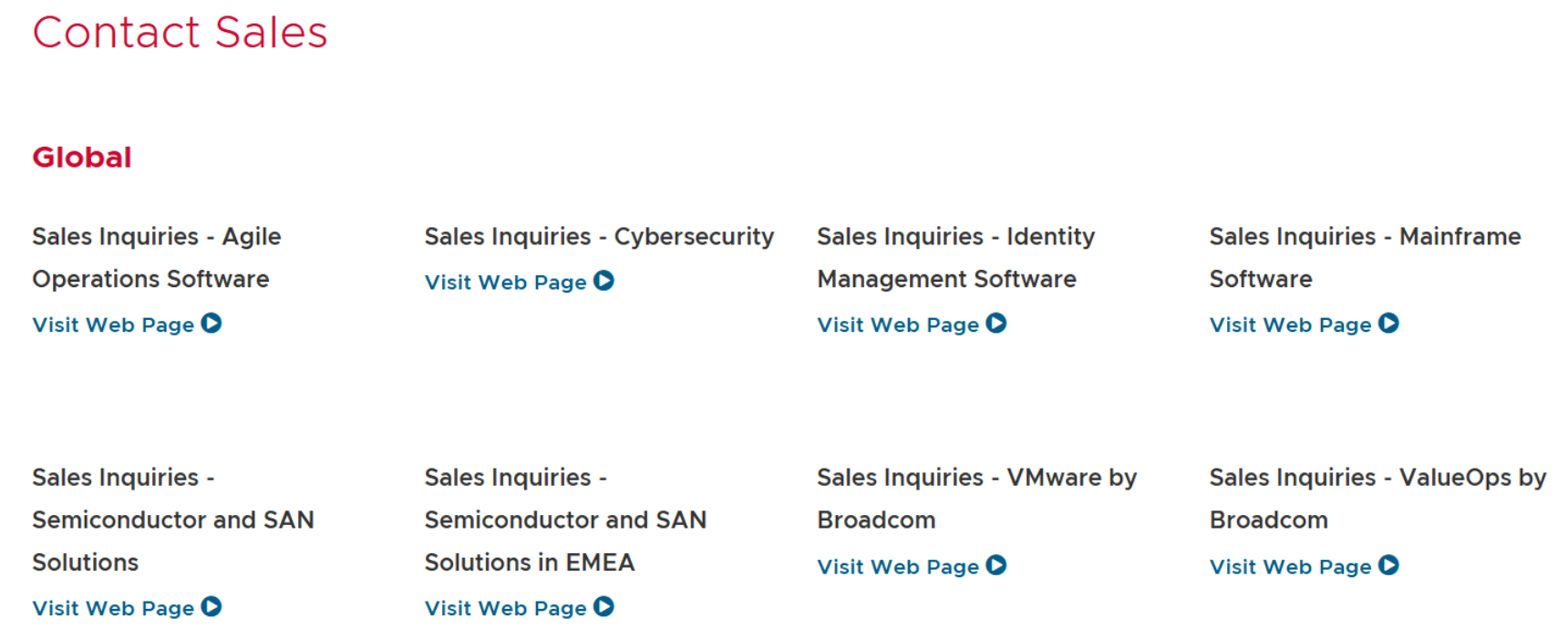
You are all set! Now wait for the contact sales team for your custom quote.
VMware Pricing: Contact Sales for Custom Quote 💰
Pricing plans by VMware are not fixed. It all depends on what kind of products and services your business needs and on what scale.
Whether you need virtualization, cloud solutions, or enterprise software, VMware offers personalized pricing that fits your unique organization.
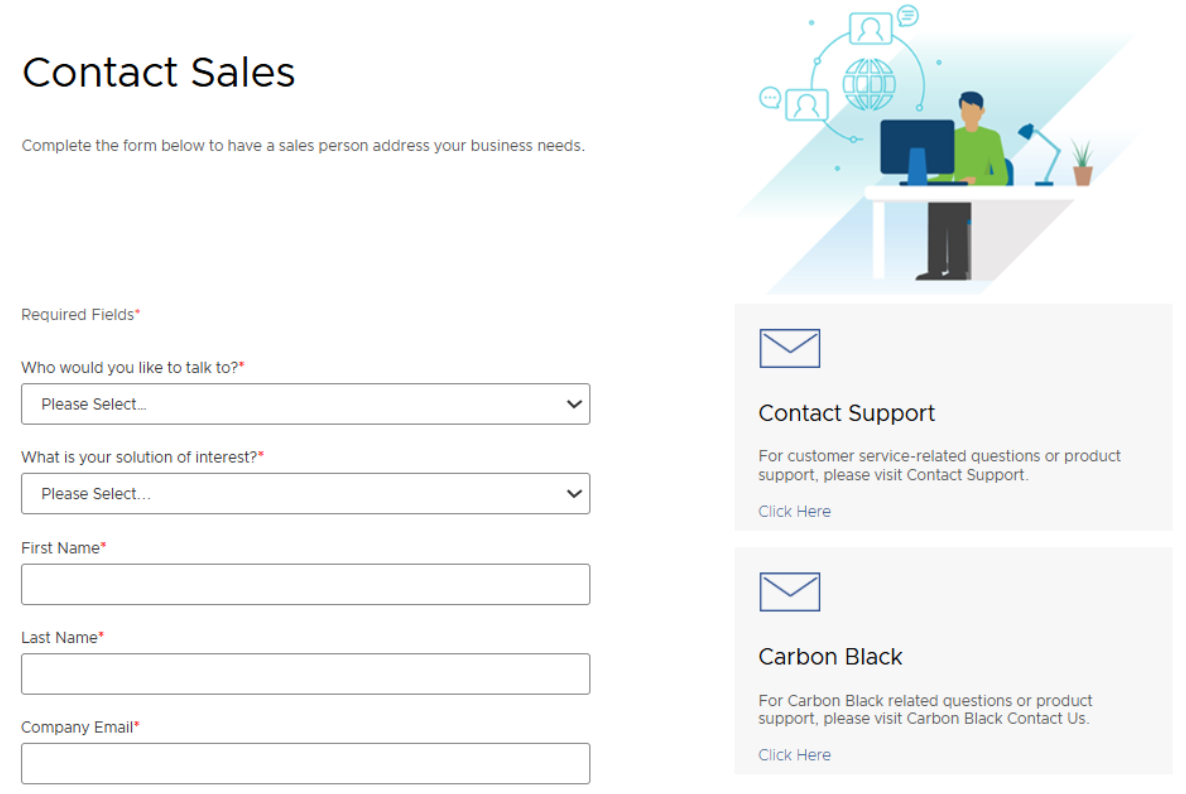
You must engage with VMware sales in order to get a right estimate. Their team will assist in the selection of correct solutions that meet your business needs and budget.
By giving you this price, this approach ensures that you pay only for what you actually use and get.
VMware Key Components: vSphere, vSAN, & NSX ⚡
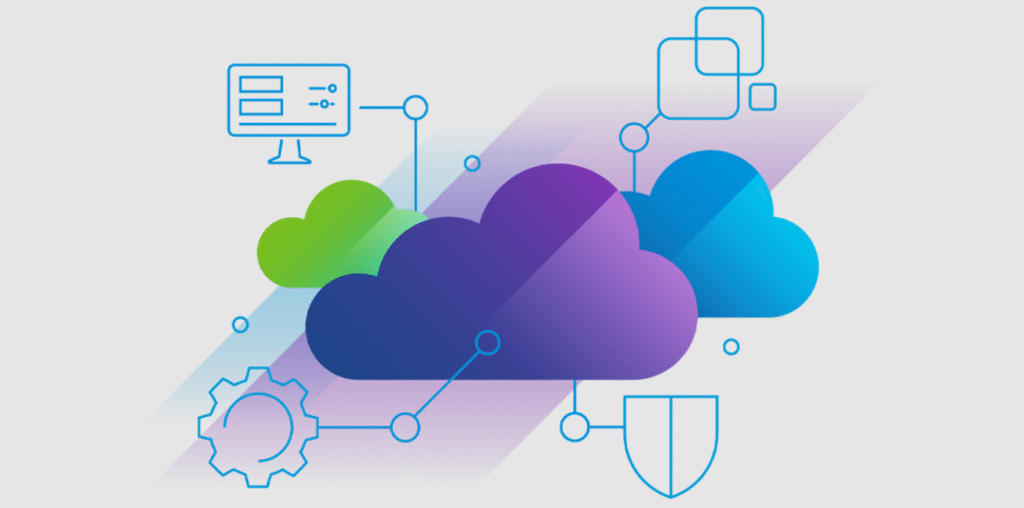
VMware offers a suite of powerful tools that help businesses build, manage, and secure virtualized environments.
Three core technologies: vSphere, vSAN, and NSX form the backbone of VMware’s solutions. Understanding these can help you make the most of VMware for your infrastructure needs.
vSphere – The Foundation of Virtualization
vSphere is VMware’s core virtualization platform that lets you create, run, and manage virtual machines (VMs) efficiently.

Think of it as the engine that powers your entire virtual environment, allowing multiple VMs to run on a single physical server while sharing resources like CPU, memory, and storage.
- Efficient resource management: Allocate CPU, memory, and storage to VMs as needed.
- High availability: Keep applications running even if a server fails.
- Scalability: Easily add more servers or VMs to grow your environment.
- Centralized management: Control all your virtual machines from a single interface.
vSAN – Efficient Storage Management
vSAN (Virtual SAN) is VMware’s software-defined storage solution that combines the storage from multiple servers into a single, shared storage pool.
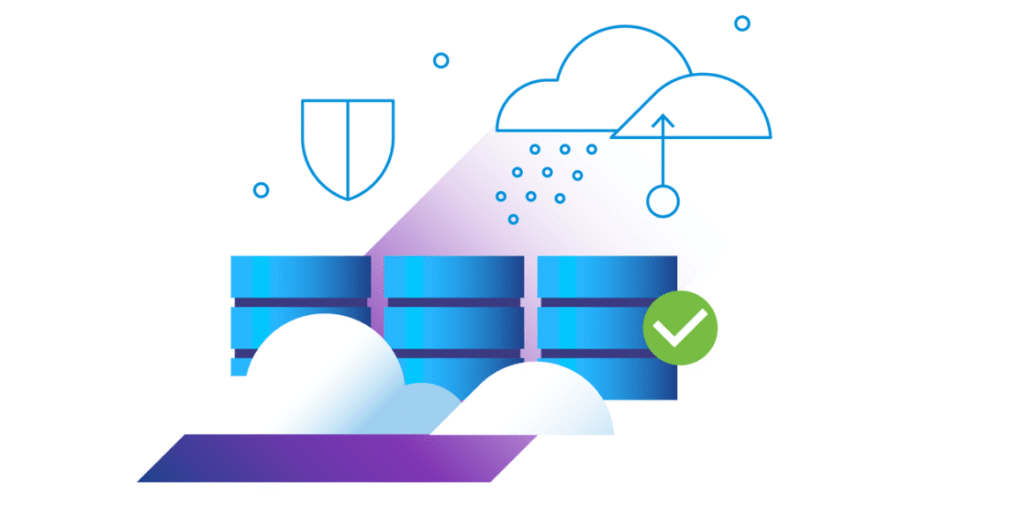
Instead of relying on separate physical storage devices, vSAN uses the storage inside your existing servers to power virtual machines.
- Simplified storage management: No need for complex separate storage systems.
- High performance: Uses SSDs and caching to make applications run faster.
- Scalability: Easily add more servers to increase storage without downtime.
- Built-in data protection: vSAN automatically protects your data against hardware failures.
NSX – Network Virtualization and Security
NSX is VMware’s network virtualization platform. It allows businesses to create, manage, and secure virtual networks independent of physical hardware.

NSX enhances network flexibility, simplifies deployment, and ensures robust security across your virtual environment.
- Enhanced security: Easily isolate and protect workloads with micro-segmentation.
- Simplified networking: Set up networks and connect VMs without touching physical switches.
- Automation and agility: Quickly deploy and scale network resources as needed.
- Supports hybrid cloud: Works seamlessly with both on-premises and cloud environments.
Together, these tools provide a comprehensive, flexible, and secure solution for modern IT infrastructures, making VMware a go-to choice for businesses of all sizes.
Pros & Cons of VMware ✨
| Pros | Cons |
|---|---|
| Industry-leading virtualization solutions | Pricing can be high for small businesses |
| Supports multiple operating systems and platforms | Complex setup for beginners |
| Advanced security and compliance features | Requires ongoing maintenance and updates |
| High performance and scalability for enterprises | Support costs can be expensive |
| Strong backup and disaster recovery options | Some advanced features require additional licensing |
| Flexible cloud integration capabilities | |
| Comprehensive management tools and dashboards | |
| Strong community and support resources |
Why Choose VMware for Virtualization? 🌟
Choosing the right virtualization platform can make a huge difference in how smoothly your IT environment runs. VMware stands out because it combines reliability, flexibility, and powerful features all in one platform.

Here’s why many businesses trust VMware:
- Proven reliability: VMware has been a leader in virtualization for years, helping businesses run thousands of virtual machines without disruption.
- Feature-rich platform: With tools like vSphere, vSAN, vMotion, and NSX, VMware offers everything you need to manage compute, storage, networking, and security efficiently.
- Seamless scalability: Whether you’re running a small lab or a large enterprise data center, VMware makes it easy to grow your environment without downtime.
- High availability: Features like vMotion and vSphere HA keep your applications running even if hardware fails.
- Strong ecosystem: VMware integrates with a wide range of hardware, cloud services, and third-party tools, giving you flexibility and choice.
VMware vs Microsoft vs Nutanix 💪
| Feature / Aspect | VMware | Microsoft | Nutanix |
|---|---|---|---|
| Virtualization Platform | vSphere for robust VM management | Hyper-V for Windows environments | AHV for simplified hypervisor |
| Cloud Integration | Supports hybrid & multi-cloud | Tightly integrated with Azure | Prism management for cloud-ready infra |
| Storage Management | vSAN for hyper-converged storage | Storage Spaces Direct | Distributed storage with Nutanix Files |
| Networking | NSX for network virtualization | Windows network features | Built-in virtual networking |
| Ease of Use | Comprehensive but steep learning curve | Better for Windows-centric teams | Simpler management interface |
| Security | Advanced security features & compliance | Windows security integrations | Security via micro-segmentation |
| Support & Community | Strong global support and large user community | Microsoft support forums & docs | Growing Nutanix community & support |
| Cost | Premium pricing for enterprise features | Generally lower for Windows shops | Competitive with simpler licensing |
Who Should Use VMware? ✔️
VMware is designed for businesses and IT professionals who need reliable, scalable, and secure virtualization solutions.
It’s perfect for organizations looking to optimize their IT infrastructure, reduce hardware costs, and simplify management of multiple operating systems and applications.
- Small and Medium Businesses (SMBs):
VMware allows SMBs to run multiple virtual machines on fewer physical servers, saving costs while maintaining performance and reliability. - Large Enterprises:
For enterprises, VMware offers advanced features like vSphere, NSX, and vSAN, making it ideal for managing complex IT environments, hybrid cloud deployments, and mission-critical applications.

- IT Professionals and Developers:
VMware provides a robust environment for testing and developing applications across multiple operating systems without needing separate physical machines. It’s also perfect for IT teams focused on security, high availability, and efficient resource management. - Organizations Moving to Cloud:
If your company is adopting a hybrid or multi-cloud strategy, VMware’s cloud-ready solutions help integrate on-premises systems with public clouds seamlessly, ensuring flexibility and scalability. - Startups and Tech Innovators:
Startups that need cost-effective, scalable infrastructure can use VMware to quickly deploy applications, test new technologies, and scale as their business grows.
Customer Reviews & Testimonials 🙋🏻♂️

Larry Brook
⭐⭐⭐⭐⭐
VMware vSphere makes managing multiple virtual machines so easy. Migrating VMs with vMotion saves us hours of downtime.

Haluk Short
⭐⭐⭐⭐⭐
vSAN simplified our storage management significantly. All our VMs are fast and reliable, and scaling storage is painless.

Daisy Page
⭐⭐⭐⭐
NSX makes network management and security so much simpler. Micro-segmentation keeps our workloads safe without complexity.
Conclusion: Is VMware Worth It? 😊
Absolutely! If you’re looking for a reliable, feature-packed virtualization platform, VMware delivers on all fronts. From managing multiple virtual machines with ease to scaling storage and networks seamlessly, it gives IT teams the tools they need to work smarter, not harder.

With standout features like vSphere, vSAN, vMotion, and NSX, VMware provides flexibility, performance, and security that help businesses run smoothly. While some advanced features are more suited for larger enterprises, the benefits far outweigh any learning curve.
In short, VMware isn’t just about virtualizing servers it’s about creating a robust, scalable, and secure IT environment. Whether you’re a small team or a large organization, VMware helps simplify management, save time, and boost reliability.
Quick Links:
- Parallels Desktop v26 Review: What’s New & Improved?
- Clouding Review: Is This Cloud Platform Worth it?
📝 FAQs
VMware works on most modern servers and PCs, but it’s best to check compatibility for enterprise features.
Yes, VMware offers scalable solutions that work for startups, SMEs, and large enterprises.
VMware’s main products include vSphere, vSAN, and NSX for server, storage, and network virtualization.
Absolutely, it optimizes resources, simplifies management, and reduces hardware costs.
Yes, VMware offers regular updates, security patches, and 24/7 customer support.